Graphics production platform · Argentina
Print, sell and produceall in one place
We connect customers, print shops and designers on a single platform. DTF transfers, UV DTF, sublimation, vinyl and much more.
AUTOMATIC LAYOUT · TRY IT
Your designs. Every space counts.
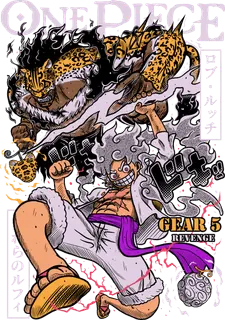
One click arranges and rotates your prints to make room on the sheet. Six designs, each 28.8 cm tall, with their proportions preserved.
6 designs · 87.2 cm usedTry arranging them to compare
Open the sheet builder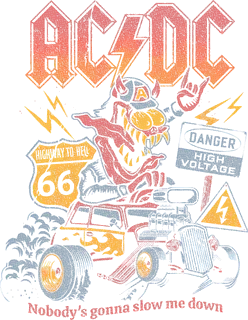

MOCKUP GENERATOR · TRY IT
Your design. Ready to show.
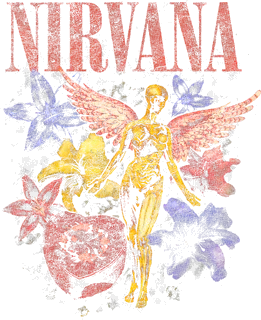
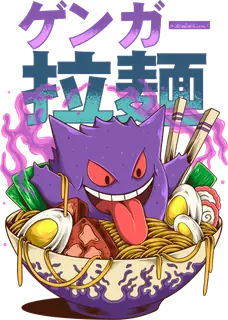
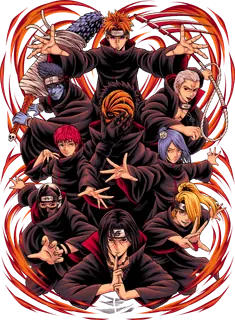
Move one slider to compare all five garments at once.
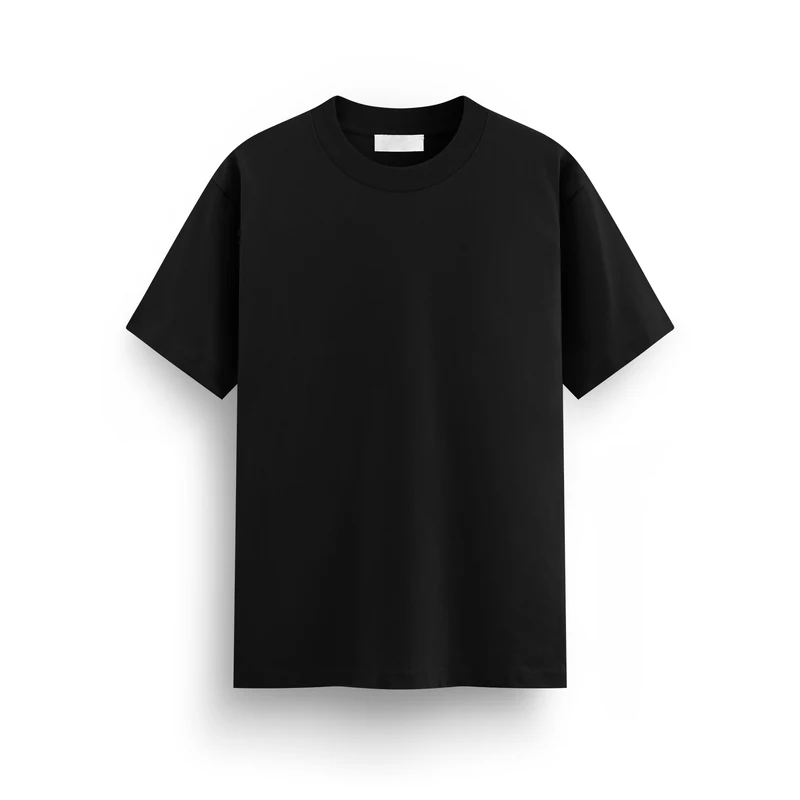
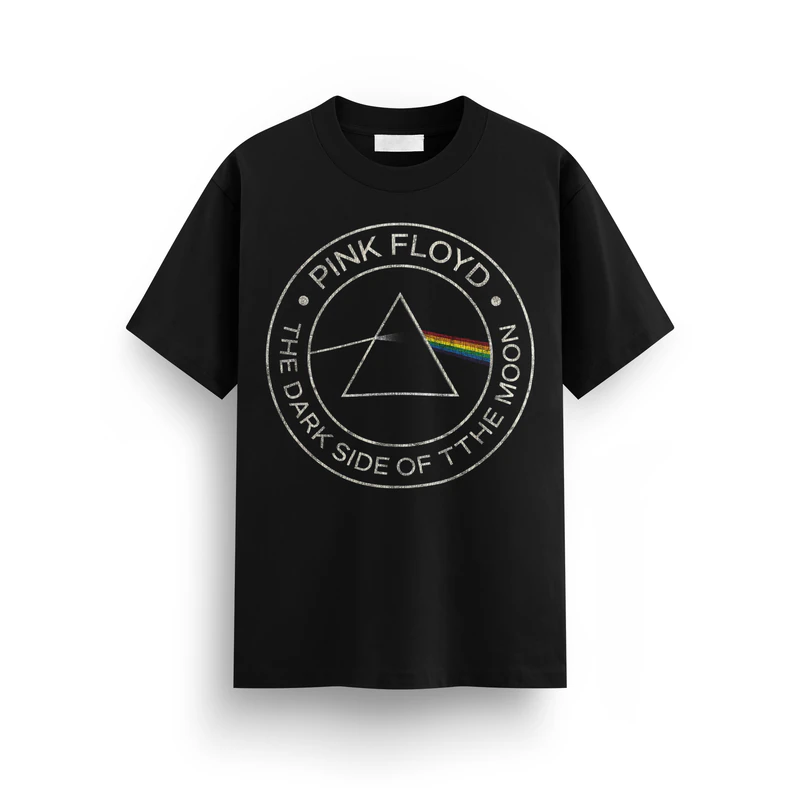
Classic tee
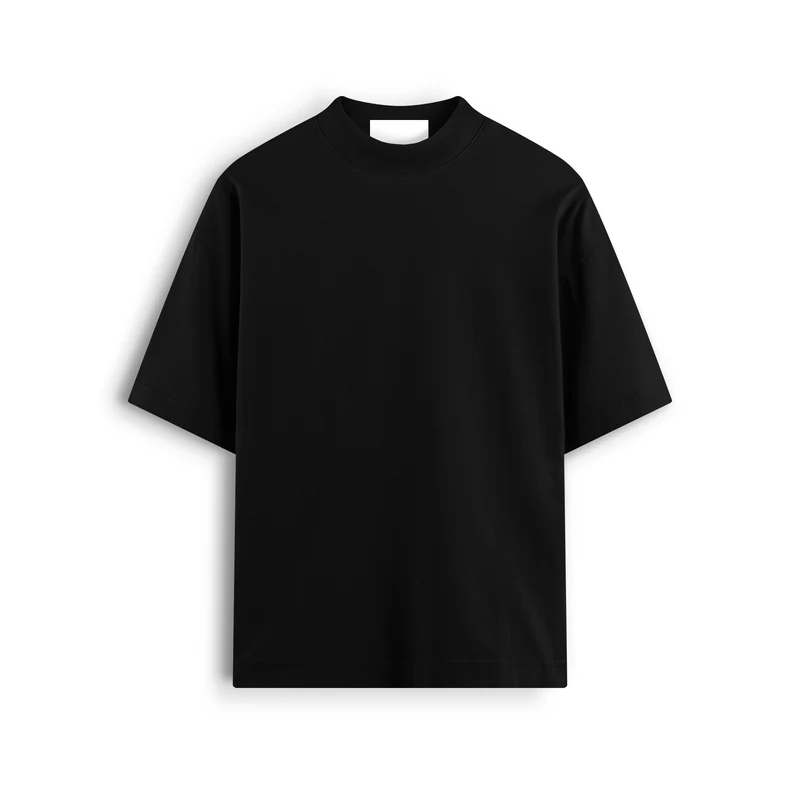
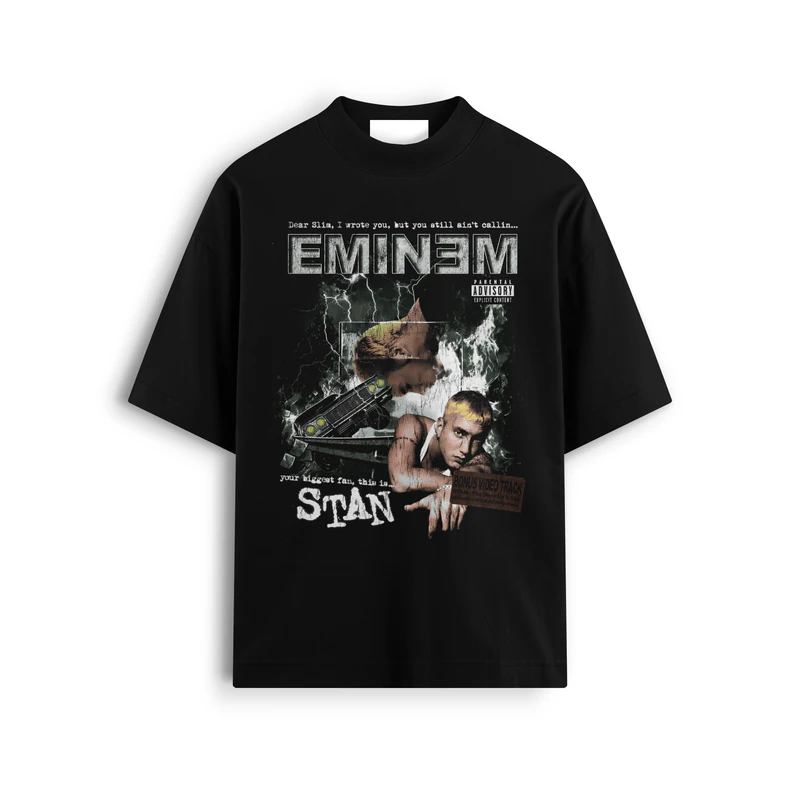
Oversized tee
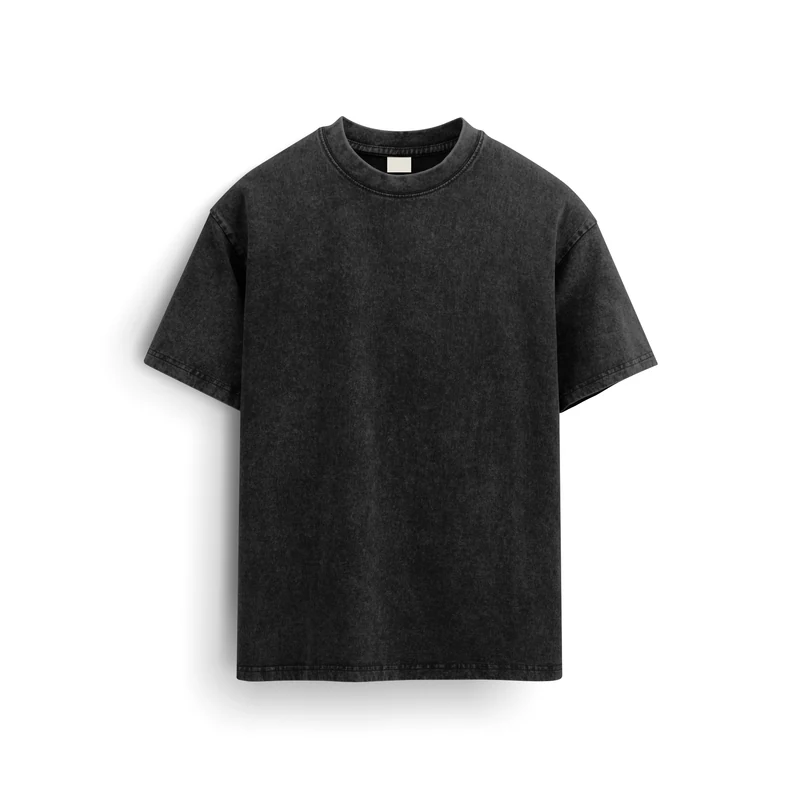
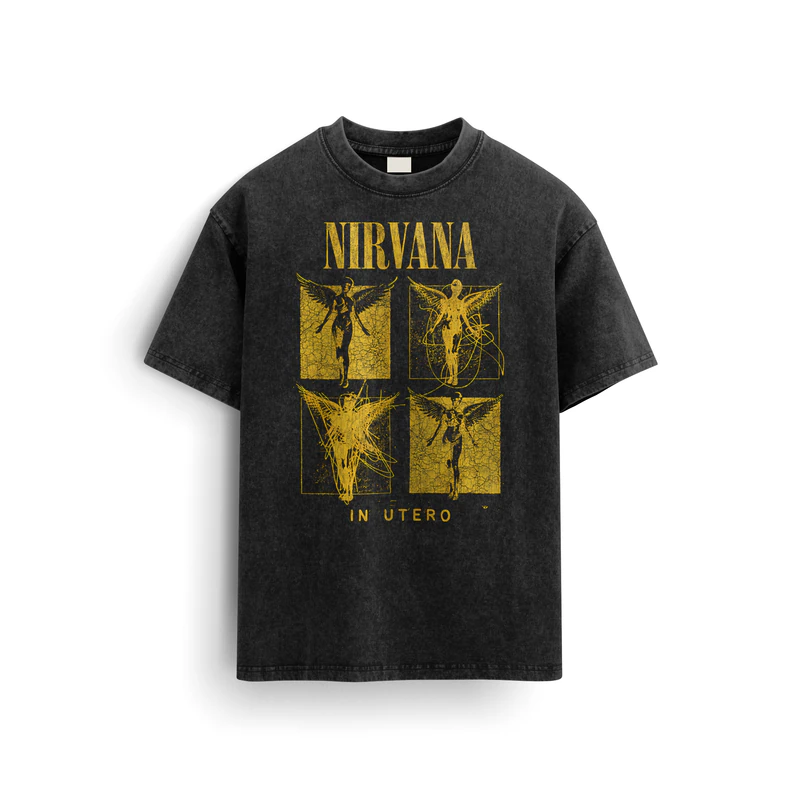
Washed regular tee
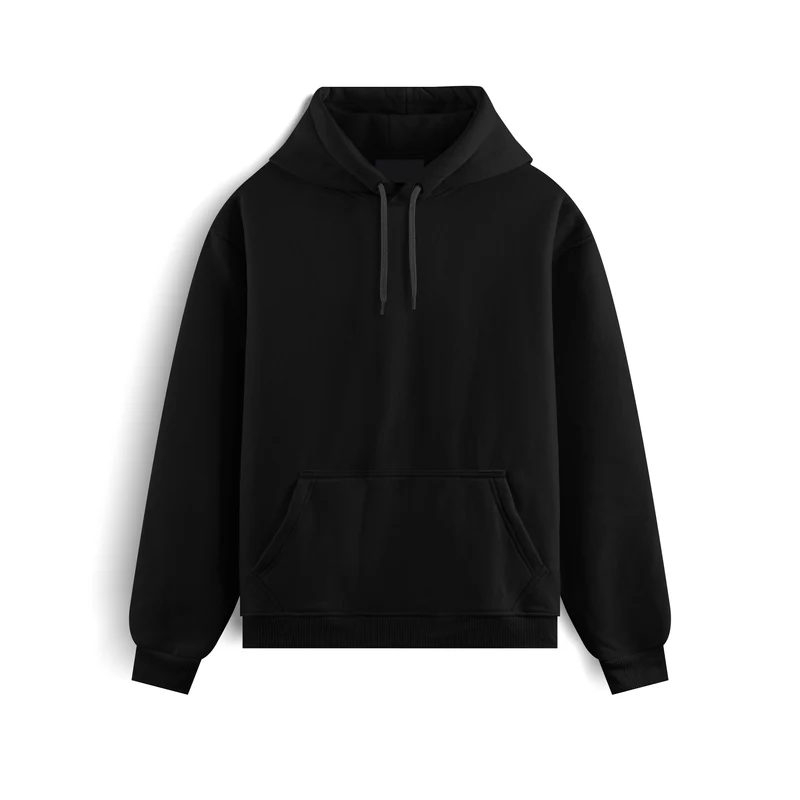
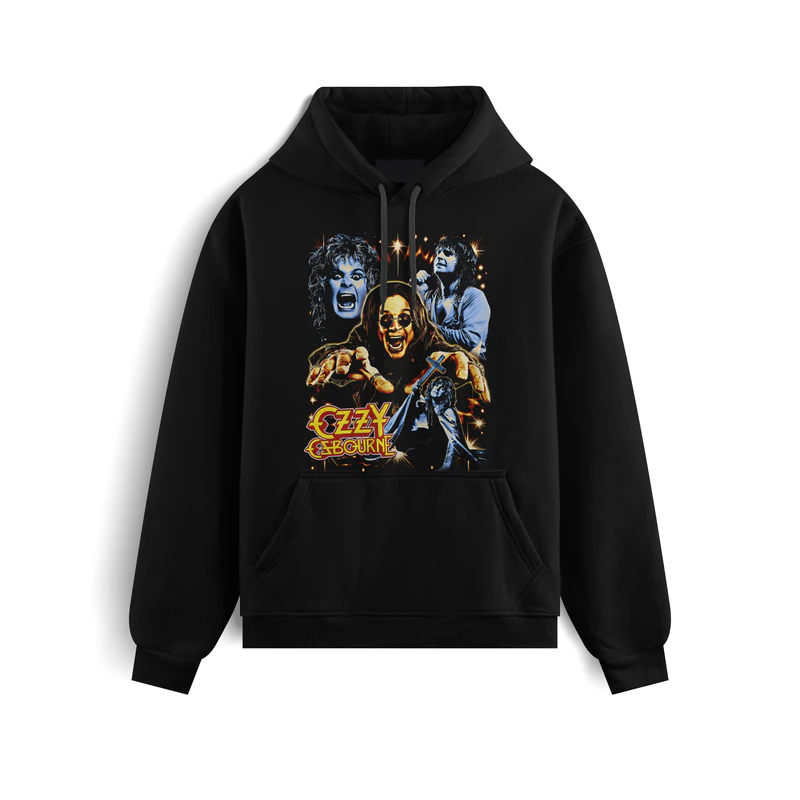
Hoodie
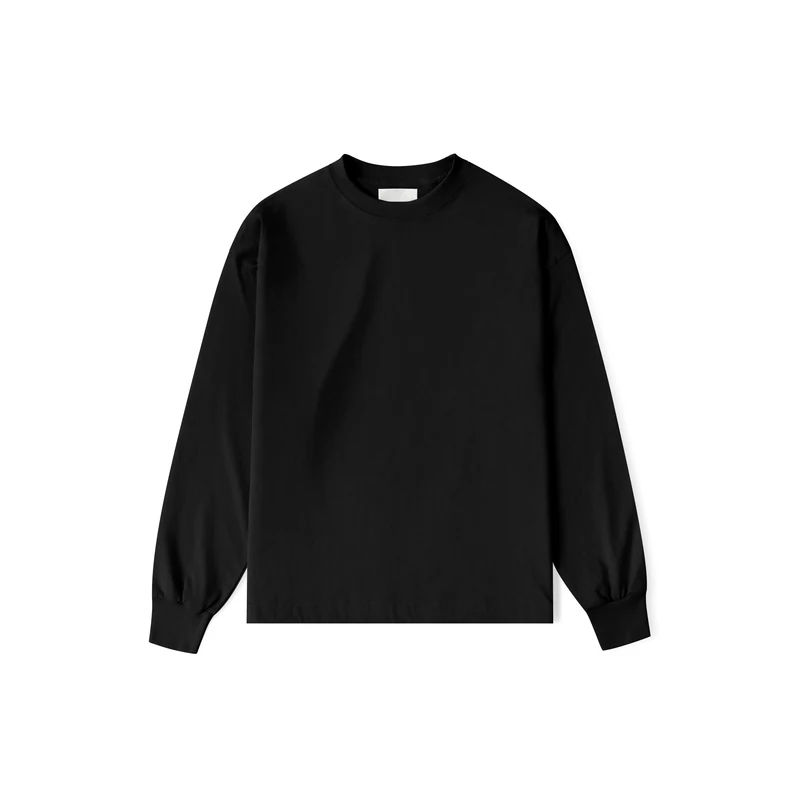
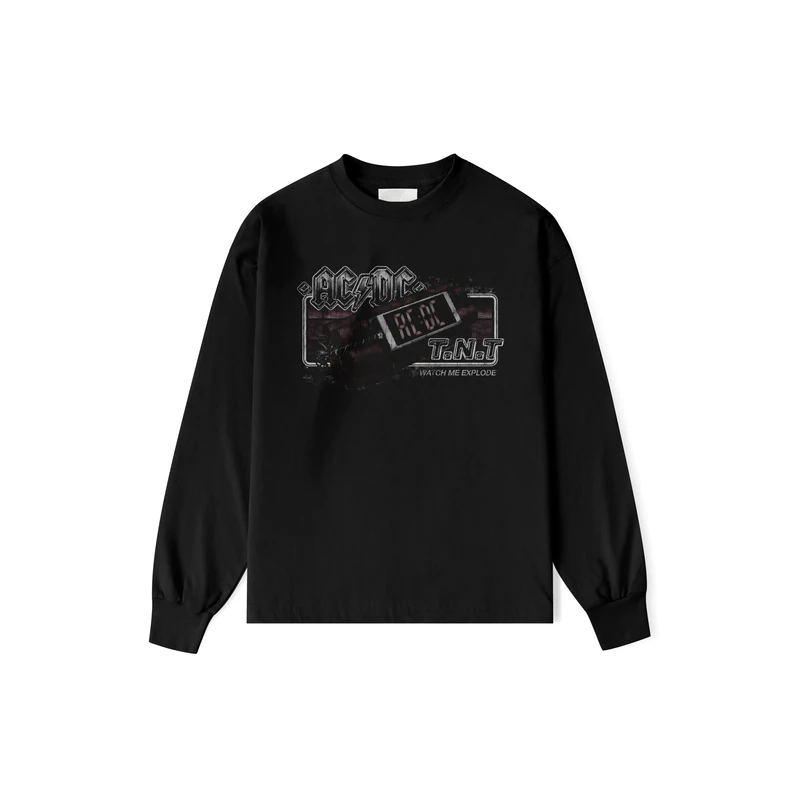
Relaxed long sleeve
4.270 designs availableto choose from — or upload your own and we'll print it just the same.
Print any design, from wherever you are
Upload your artwork or pick one from the catalog, set your sizes and choose the print shop that suits you best on price and location. Then you arrange payment, shipping or pickup.
Upload your design
Drag your files in — PNG, JPG, WEBP, SVG, PDF or TIFF — and the platform crops, scales and preps them for printing.
Automatic nesting
We optimize your gang sheet so you use every centimeter and pay for less film.
Design catalog
Pick from 4.270 ready-to-print designs, filter by category and preview them before adding them.
Shipping or pickup
We ship it to your door or you pick it up at the shop. Your call.
Receive print-ready orders and professionalize your production
Publish your services and your prices, and receive orders already laid out and ready to print. Plus access to the Pro tools. You focus on printing.
Gang sheet builder
Nest your designs into optimized gang sheets. Set the film width (20–160 cm) and export PNG at 300 or 150 DPI.
LiveHalftone generator
Apply up to 3 halftone screens to your DTF designs, right in the browser. Set frequency, angles and dot shape. Process one image or whole batches.
LiveMockup generator
Put your designs on garments to show customers before printing.
Customers pick you
The customer builds their gang sheet and picks the shop they want to print with, on price and location. If they pick you, the order arrives ready to produce. You get paid directly; we take a fee.
Production metrics
Orders, revenue, film usage and acceptance rate, with the comparison against last month.
No exclusivity
You keep working with your own customers. The platform is an extra channel, not a replacement.
Get your design catalog ready
The storefront is in an invite-only pilot. You can prepare your profile, licenses and listings; payouts aren't enabled yet.
You set your price
You decide what each design is worth. No forced minimums, no opaque middlemen.
Flexible licenses
Single (exclusive) or multiple (limited or unlimited) licensing. Buyers see the terms before paying.
Payouts in the works
We're validating contracts, reconciliation and delivery before taking the first real payment.
Invite-only access
Open your studio and prep your catalog
Onboarding is gradual. You can leave your listings ready; we'll let you know before sales open.
FAQ
What everyone asks before printing
Placing an order
How much does printing cost?
You pay for the length of film your order takes up, not per design. You build your gang sheet in the browser and see the price before sending it, no account needed. Each print shop sets its own rates — with its own discounts and volume pricing — so when there's more than one you can compare. To get an idea without uploading anything, see how pricing works.
Is there a minimum order?
Yes, and each print shop sets its own, just like its film measurements: the builder applies the values of the shop you pick. As a reference, the network works with a 50 cm minimum length, 58 cm wide film and sheets of up to 2.5 m; longer orders are split across several sheets.
What files can I send?
PNG, JPG, WEBP, SVG, PDF and TIFF, up to 60 files per batch (PDF and TIFF up to 60 MB each). If your design is in PSD, AI or CDR, export it to PNG first. For best results, send the image with a transparent background in the best quality you have.
My image has a background or looks pixelated — what now?
We have a free image editor that removes backgrounds, adjusts levels and vectorizes. It's free: you only need to sign in to process and download.
How do I pay?
Directly with the print shop you picked, by bank transfer or card. The terms — the cash discount and the installments — are set by each shop in its rates, and both totals appear above the builder while you put your order together: you know the price before you decide.
How do I get my order?
Depends on the shop: each one offers home delivery, pickup at the shop, or both. You see the options and production times while building your order, before sending it.
Do I need an account?
Not to order. Signing in keeps your details saved, lets you resume a half-built order and keeps your history at hand — handy if you order often. You sign in with Google or an email link, no passwords.
How long are my files kept?
Uploaded files stay available for 48 hours. If the order isn't paid within that window they're deleted automatically, so your artwork isn't left lying around.
Can I use PrintStride in English?
These pages are in English, but the ordering tool and the print shops operate in Spanish for now — the network is based in Argentina and prices are in Argentine pesos (ARS). If that works for you, everything else does too: you can build and send your order today.
For print shops
Do I have to work exclusively with PrintStride?
No. You keep your own customers; the platform is one more channel. You publish your services and your prices, and receive orders already laid out and ready to print.
What do you charge?
No fixed cost for being listed. You charge the customer directly for the work and the platform takes a per-transaction fee. Listing your shop has no signup charge.
What tools are included?
A gang sheet builder (set your film width and export at 300 or 150 DPI), a halftone generator and a mockup generator, plus production metrics. See the tools.
For designers
Can I sell my designs?
The storefront is in an invite-only pilot: you can prepare your profile, your licenses and your listings, but payouts aren't enabled yet. We'll let you know before sales open.
Still have a question?
Write to us and we'll sort it out. It's the fastest way to get an answer.
Ready to print?
Build your order in minutes: load your designs, watch the gang sheet come together and send it to the print shop you choose, with the price in sight before sending. No account needed.